 HW–01 · FIELD MANUAL
The Vibecoder's
Keyboard for Security
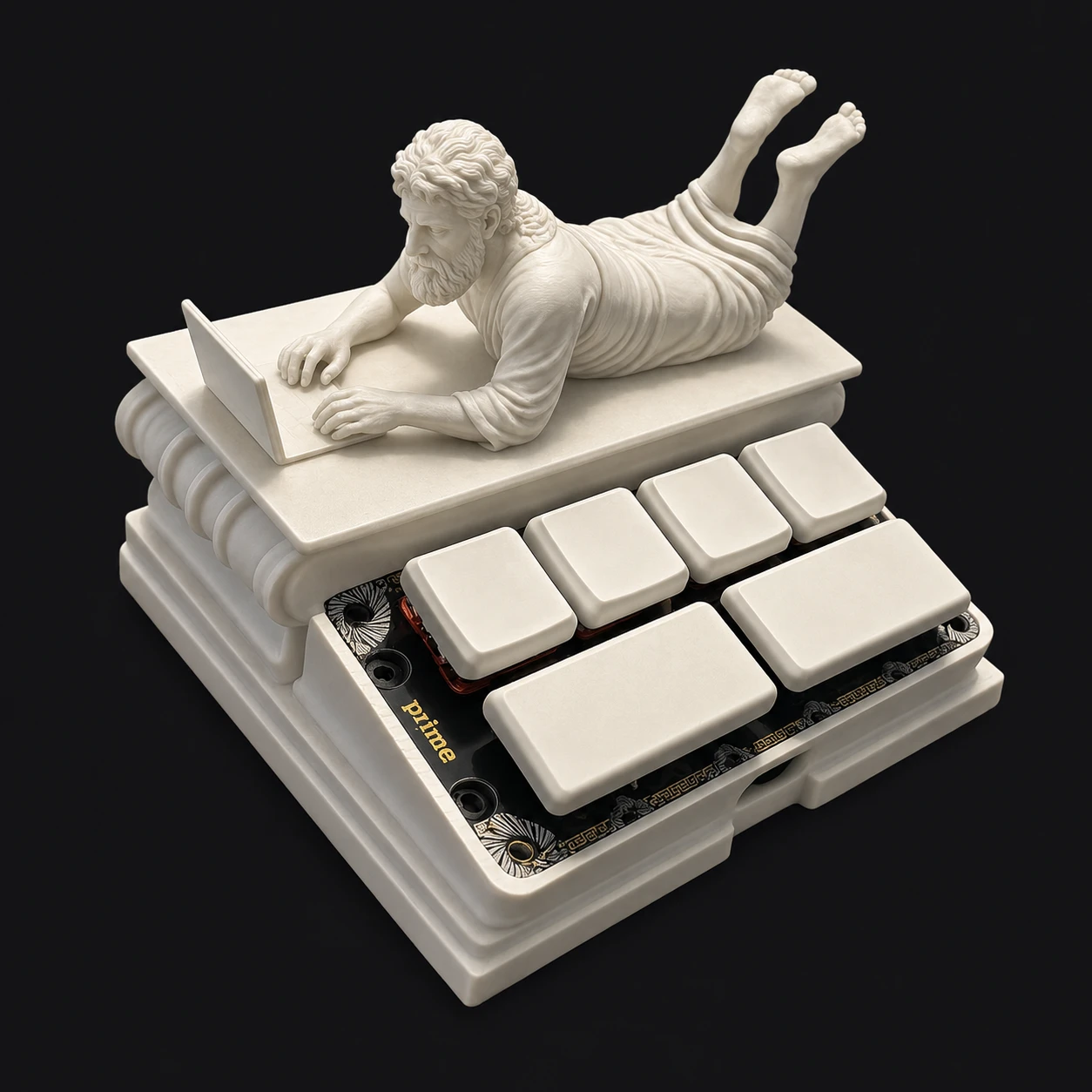
Six keys. Fully reprogrammable. Each key stores a DuckyScript payload. Press it, and the keyboard types for you. Marble philosopher included.
What the keys do out of the box
Four 1u keys up top, two 2u keys below. The factory map is the entire modern development workflow, honestly assessed:


Every key is a DuckyScript
DuckyScript is the world's simplest automation language: it just types. Each key on the pad holds one script; pressing the key replays it as keystrokes into whatever has focus. If you can type it, a key can do it.
DELAY 500.GUI c is ⌘C, CTRL GUI q locks a mac.Scripts worth stealing
Copy these onto your keys. Written for macOS + a terminal in focus unless noted.
Launch a security review
REM run claude's security review on the current repo
STRING claude /security-review
ENTER
Plan before code
REM make claude think before it types
STRING claude "make a plan before writing any code. wait for my approval."
ENTER
Review the diff before it ships
REM self-review, then hand me the verdict
STRING claude "review your own diff for authz gaps and injection risks before I commit"
ENTER
Yolo mode (the factory 2u)
REM you chose this
STRING claude --dangerously-skip-permissions
ENTER
Ship it (the other factory 2u)
REM the whole ceremony, one keypress
STRING git add -A && git commit -m "vibes" && git push
ENTER
Second Claude, fresh worktree
REM spin up a parallel claude in its own worktree
STRING git worktree add ../review-lane && cd ../review-lane && claude
ENTER
Compact a long session
REM claude code: summarize context, keep going
STRING /compact
ENTER
Walk-away key
REM macOS lock screen. zero-cost habit.
CTRL GUI q
Reprogramming the pad
No app, no driver, no account. Your whole keymap lives in one text file.
key 01 while plugging the pad in. it mounts as a keyboard..txt file. paste from above, or write your own. you'll also see an led.txt file; leave that one be.This pad types whatever you tell it to. Instantly, confidently, without reading it first. So does your AI. That symmetry is the entire point of this object: speed is a feature, review is the seatbelt. If your team is shipping AI-written code, come talk to us about design-stage risk reviews, or press the security review key and see what falls out.